
Photo and image translator
Translate any photo the way a local would read it.
Point your camera at a menu, sign or label, or pick a photo you already have. AIRTranslate reads every line out of the picture and answers in the dialect people actually speak.

471 local dialects
Camera translation
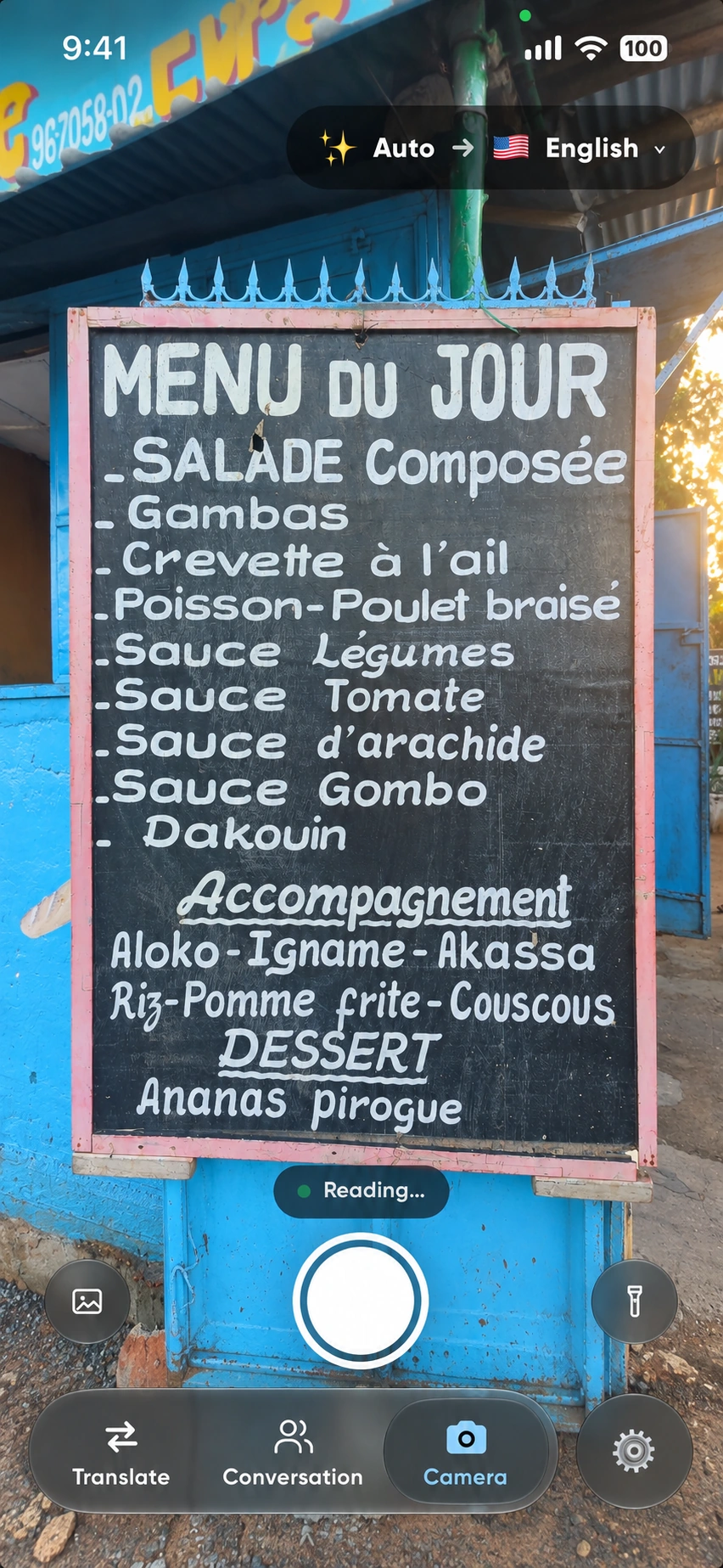
What the camera saw, and what it actually means.
Cochinita pibil
Slow-roasted Yucatán pork
Word for word this offers up “suckling pig”, which sends you looking for the wrong dish entirely. In Yucatán it is pork marinated in achiote and sour orange, wrapped in banana leaf and cooked slowly in a pit.
El bondi para en la esquina
The bus stops on the corner
“Bondi” is what everyone in Buenos Aires calls a city bus. Plenty of dictionaries have no entry for it at all, so a literal translator hands back the one word you needed and leaves it untouched.
土足厳禁
Take your shoes off here
Literally it reads “outdoor footwear strictly forbidden”. It is not a request and it is not about a dirty floor. It marks the line where the shoes come off, and walking past it is the mistake.
Three steps, no retyping.
Point it, or pick it
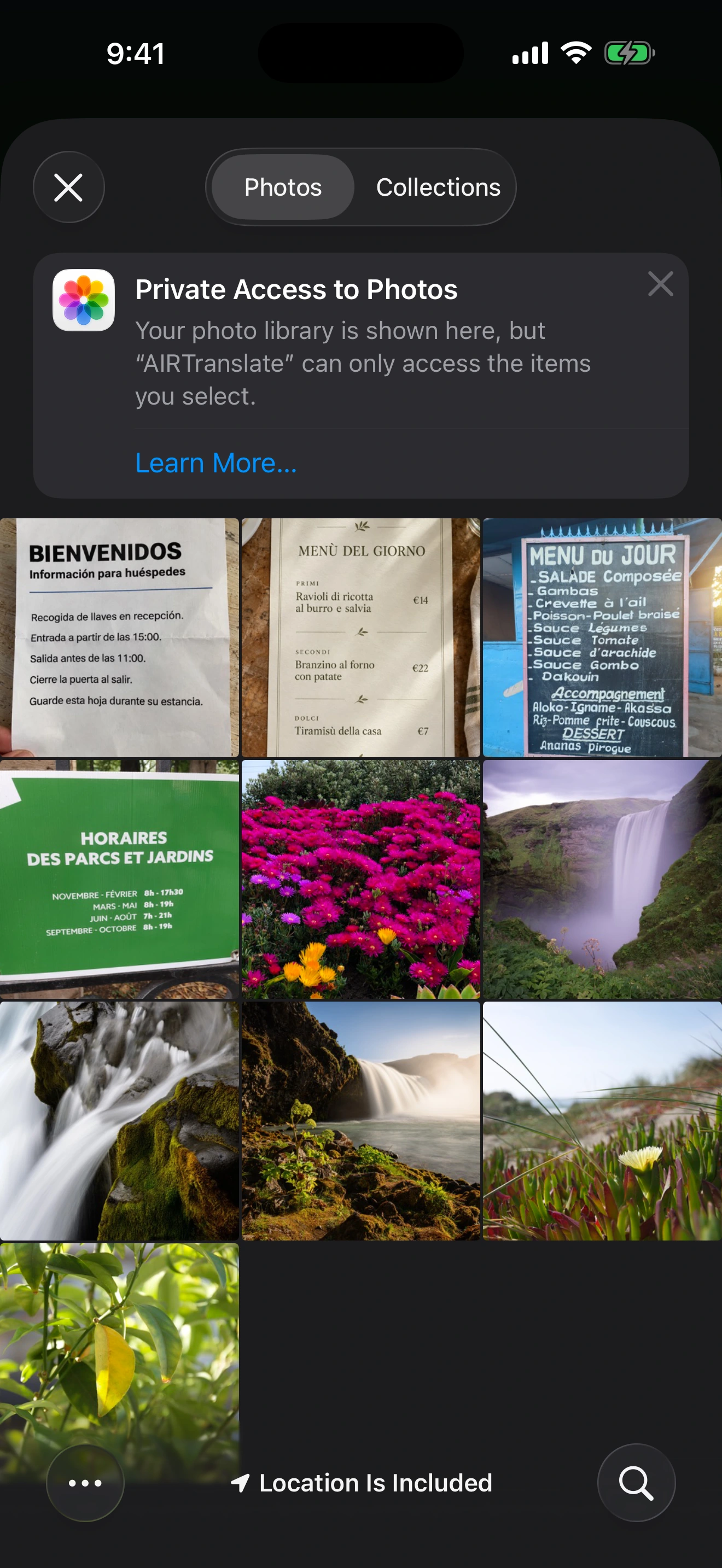
Hold the camera up to a menu, sign or label, or choose a photo you already took. An upload gets read exactly the way the shutter does.
The translation lands on the picture
Every line is painted over the original text, in place, so you can see which words belong to which part of the scene.
Or paste it for plain text
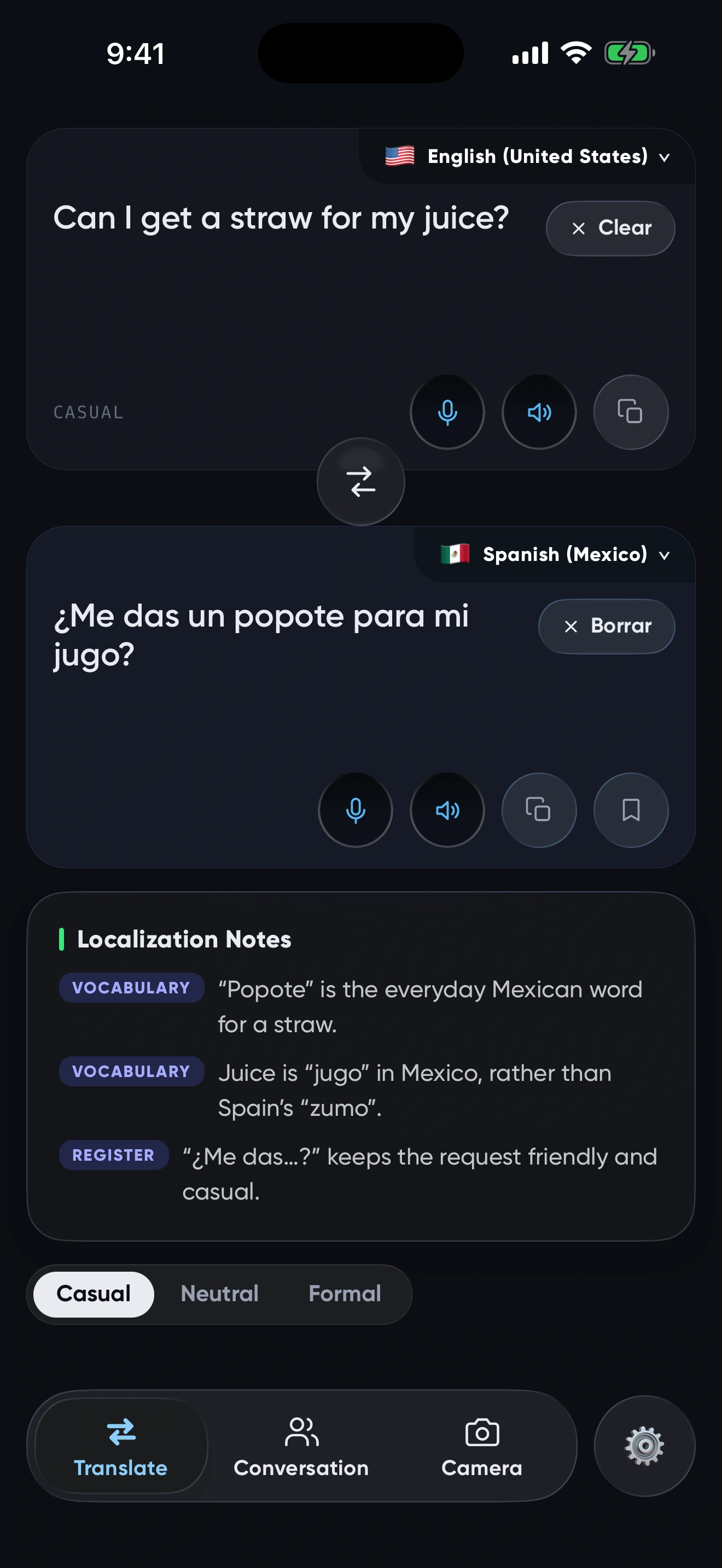
Paste an image into the translate box instead and you get an ordinary translation you can copy, with notes on what the words really mean.
Upload a photo
Upload photos. Translate menus, signs and documents.
Choose a photo or screenshot of a menu, sign or document. Get the translation right on the image, without retyping.
Paste it and read it as plain text.
A screenshot someone sent you does not need the camera. Paste it into the translate box and the whole thing comes back as text you can copy, section by section, prices and all.
It reads more than pictures.
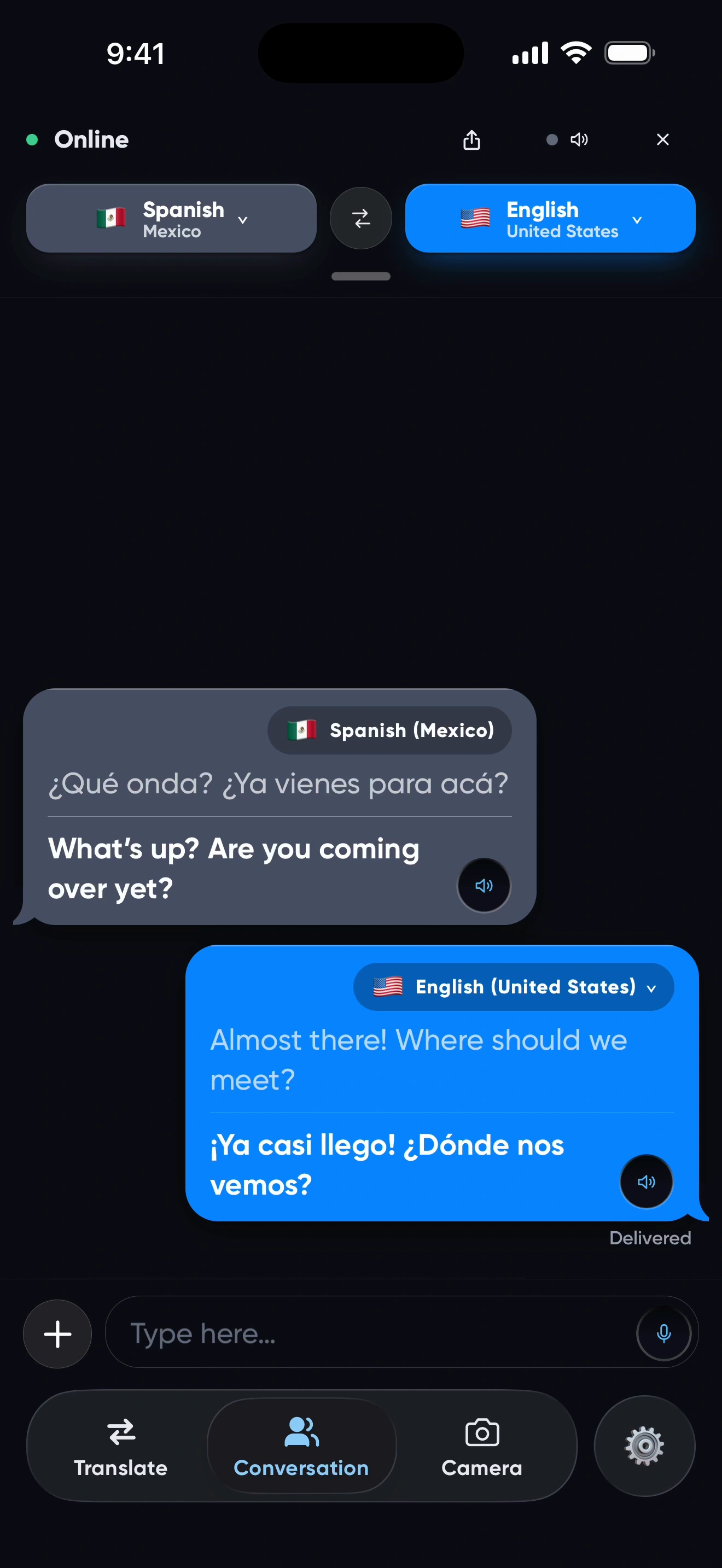
Every one of those dialects also runs through voice, live conversation, a keyboard for any app, and offline packs for when there is no signal.
Questions people ask
How do I translate text in a photo?
Open the camera tab, then either point it at what you want to read or choose a photo from your library. The translations appear over the original picture, line by line. No cropping and no retyping.
Can I translate a screenshot of a chat?
Yes, and there are two ways. Choose it in the camera tab and the translation lands on the screenshot itself. Or paste it into the translate box for an ordinary text translation you can copy.
Does it work on menus and signs?
That is what it was built for. Point the camera at a menu, sign, label or notice and the translation appears over the original text, with notes explaining the dishes and phrases that do not translate literally.
Which languages can it read?
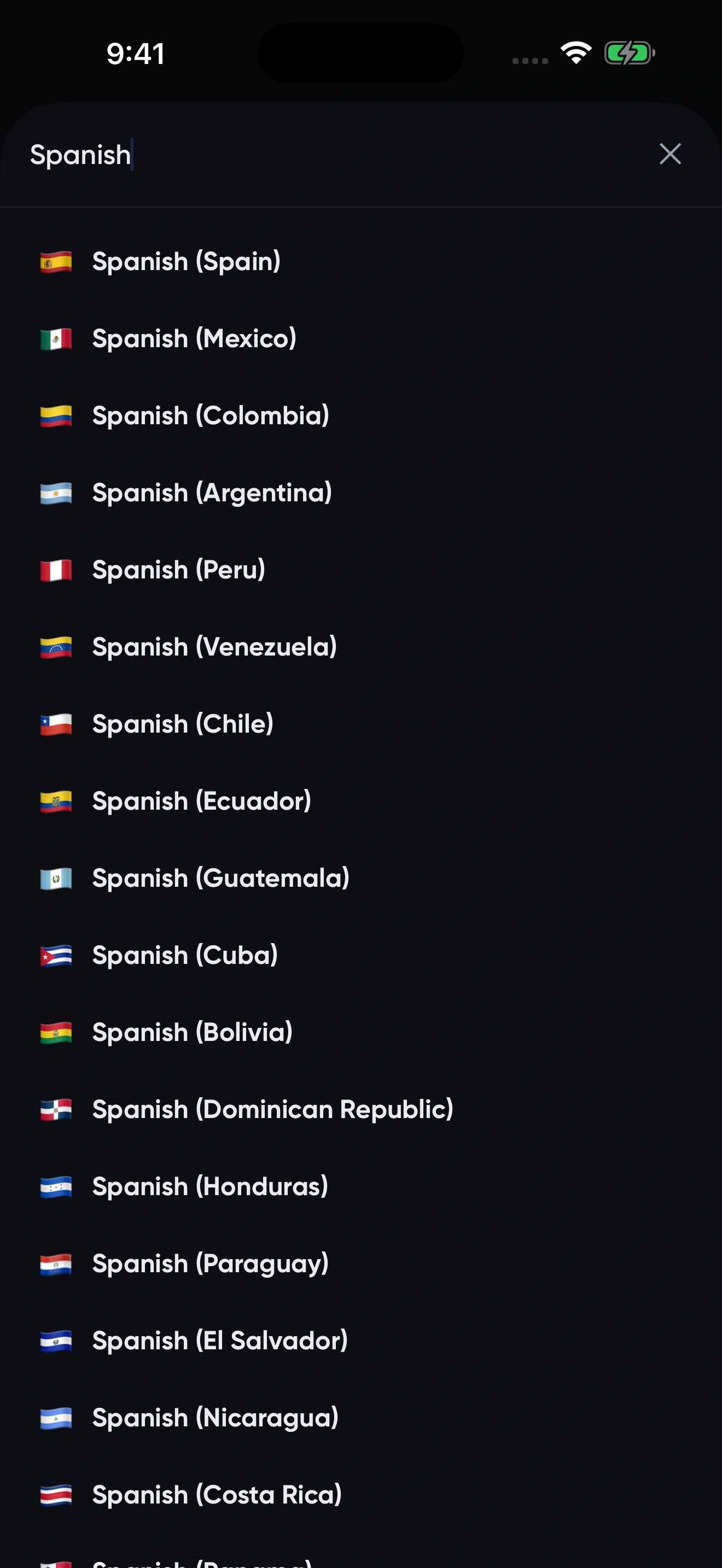
Not just a language, but the country too. Not just Spanish but Mexican, Argentine or Salvadoran Spanish. Not just Arabic but Egyptian, Moroccan or Iraqi Arabic. Translations come back the way somebody local would write them.
The picture is already on your phone.